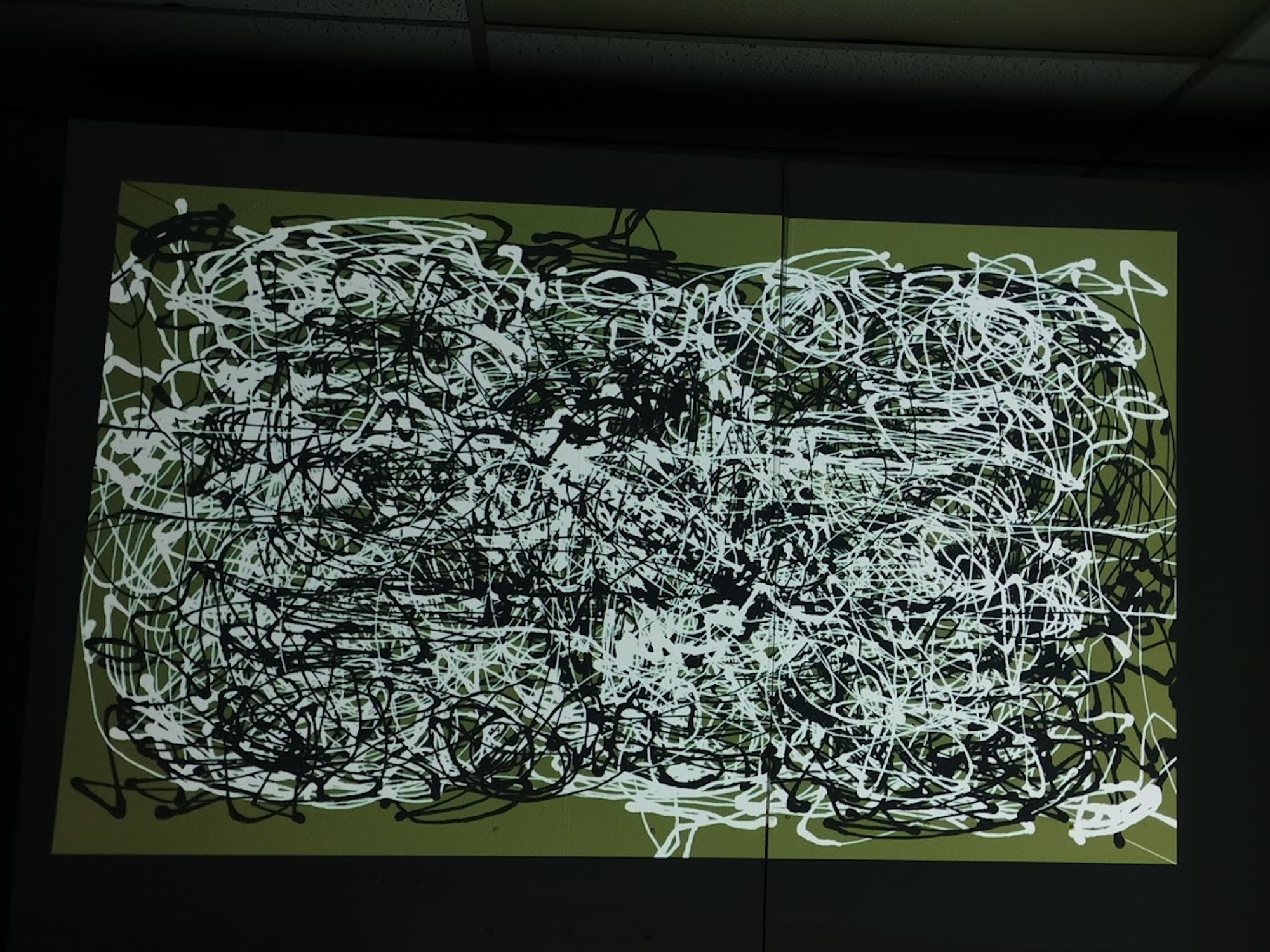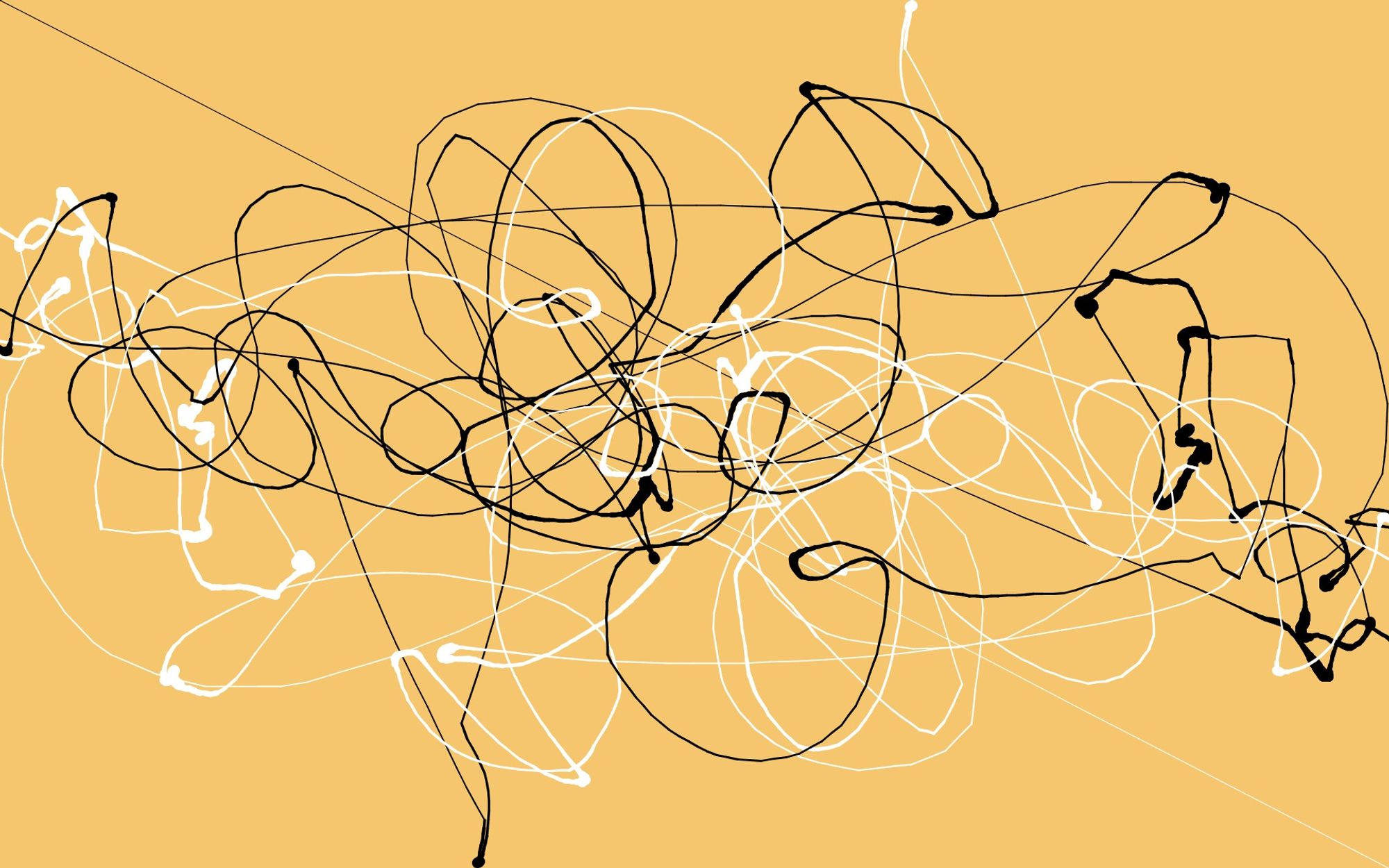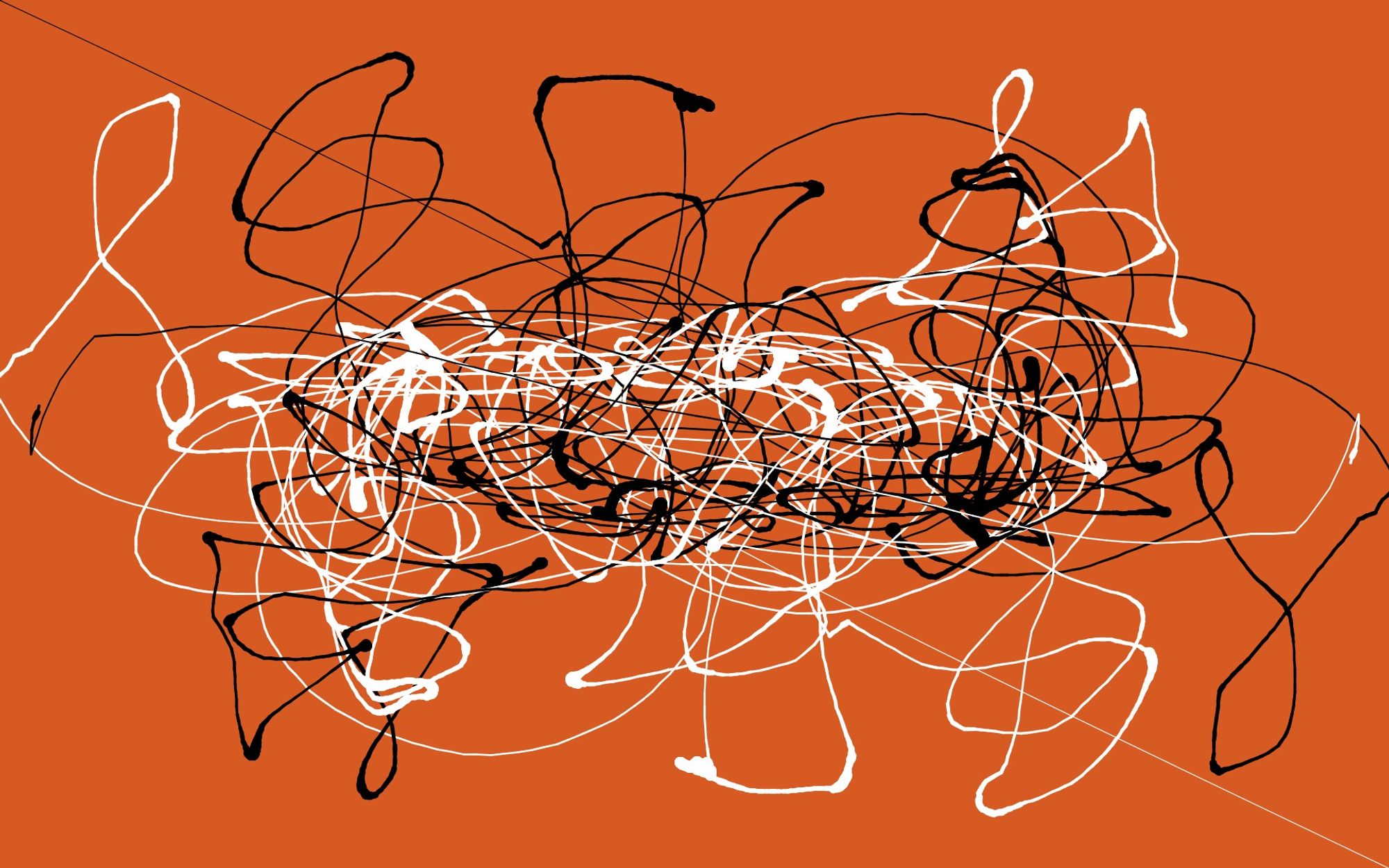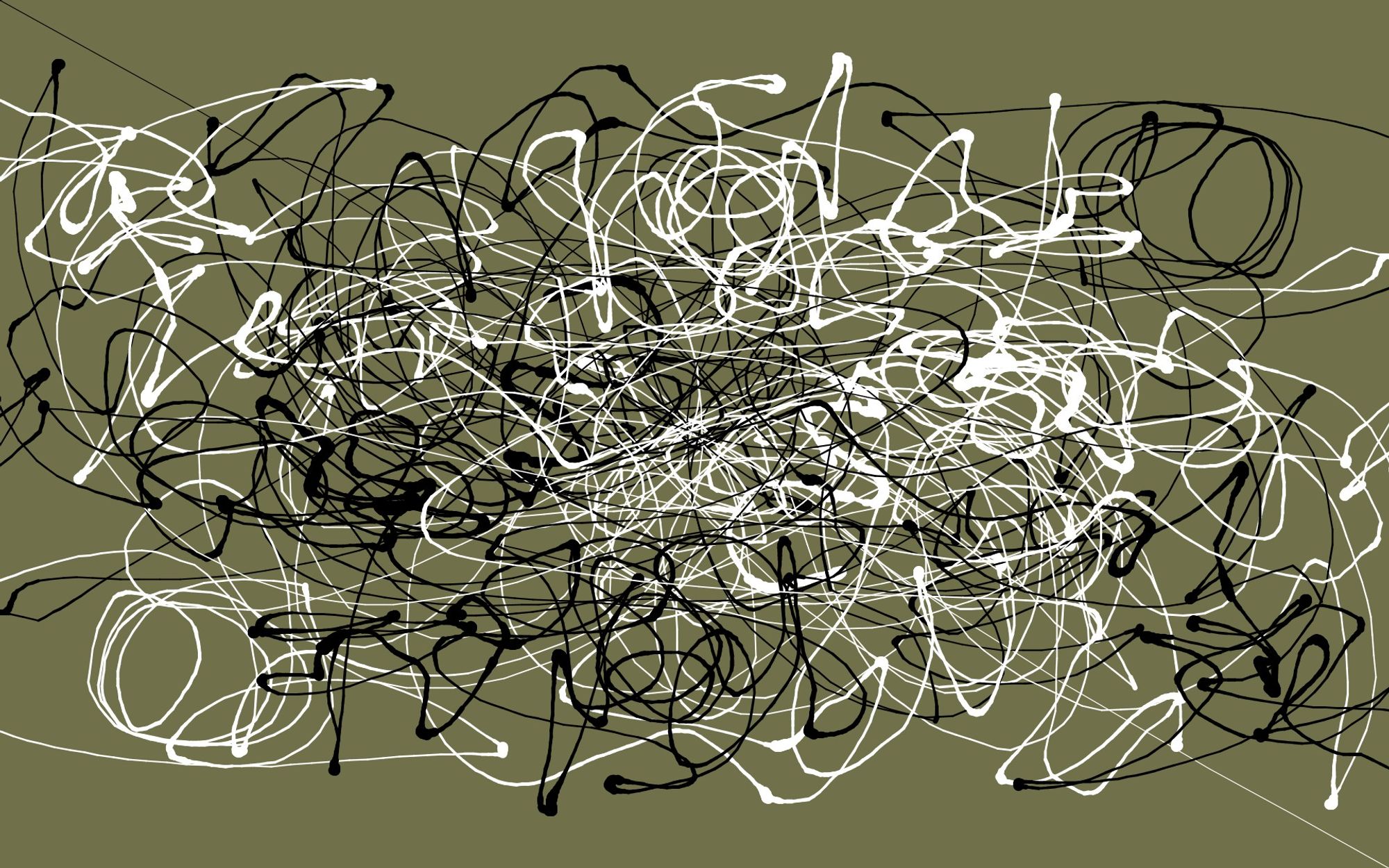
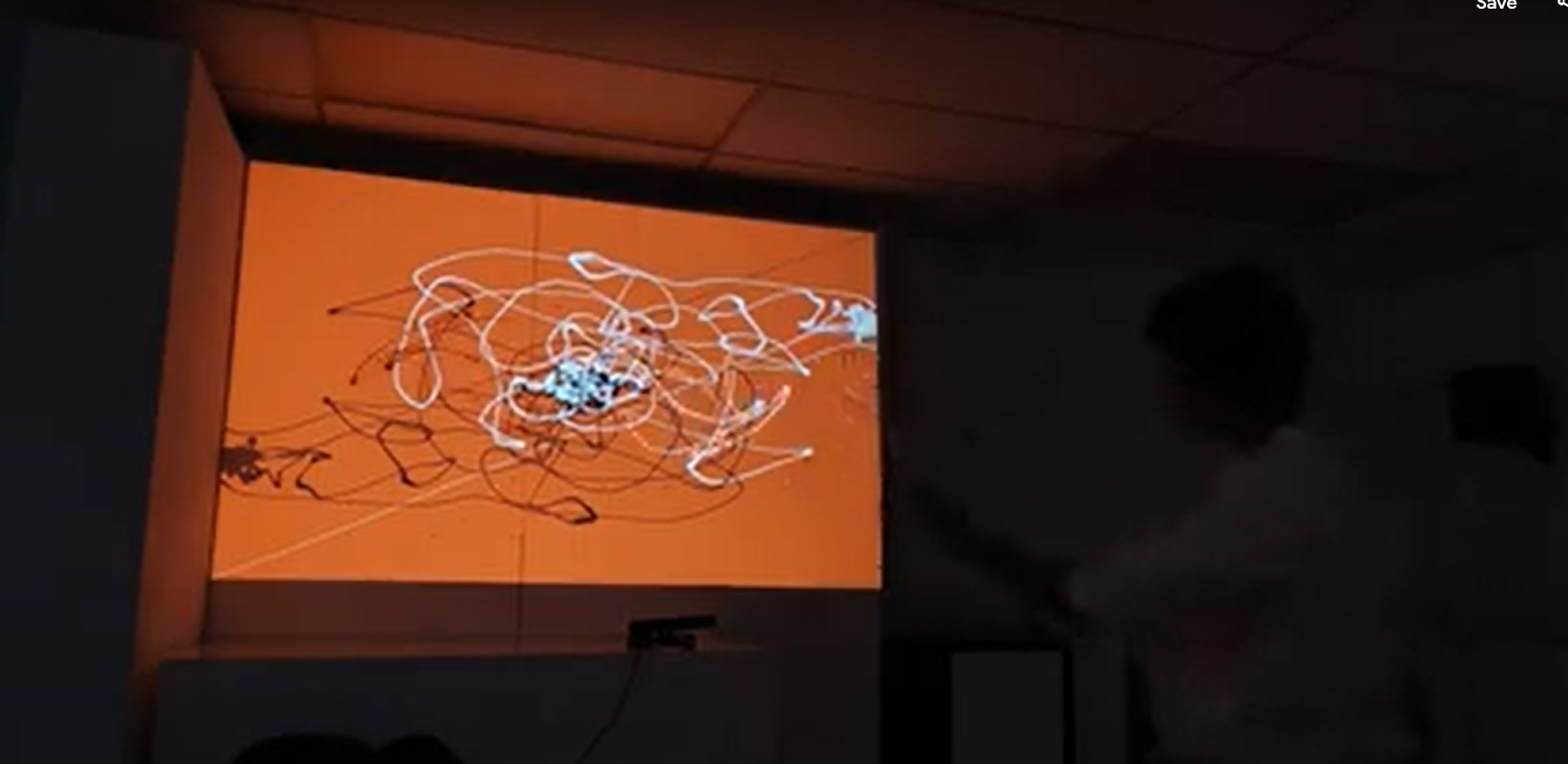
A gestural input based tool that replicates the physicality of the Abstract expressionism movement and translates it into a digital medium. I explored the design of somaesthetics to mediate a body mind union for this project. I used the infrared sensors in a Kinect to track a user’s body movements, used Processing (JAVA) to translate them into brush strokes where the weight of the stroke depended on the speed of the movement.
CLICK HERE TO SEE A DEMO VIDEO
Process Documentation
When I heard that the studio had senses in its scope I wanted to explore different senses and their interplay with those of a computer. This basically means that I wanted to explore how computer sensibility could include interaction in which the user uses more of their body. While researching about body based intuitive interactions, I came across the concept of Somaesthetics.
Someaesthetics
Someaesthetcis involves designing for the Soma which is a united whole of our mind and our body. It looks at how our body interacts with its surroundings and internally.
- It perceives the body as a sensitive system as opposed to the ergonomic approach of a fixed structure.
- There is respect for difference in experience and subjectivity of the differences and personality of each user
- In the field of product design it looks at how products feel beyond their physical form or their engineering.
- Pleasure is at the centre of the user experience.
Abstract Expressionism
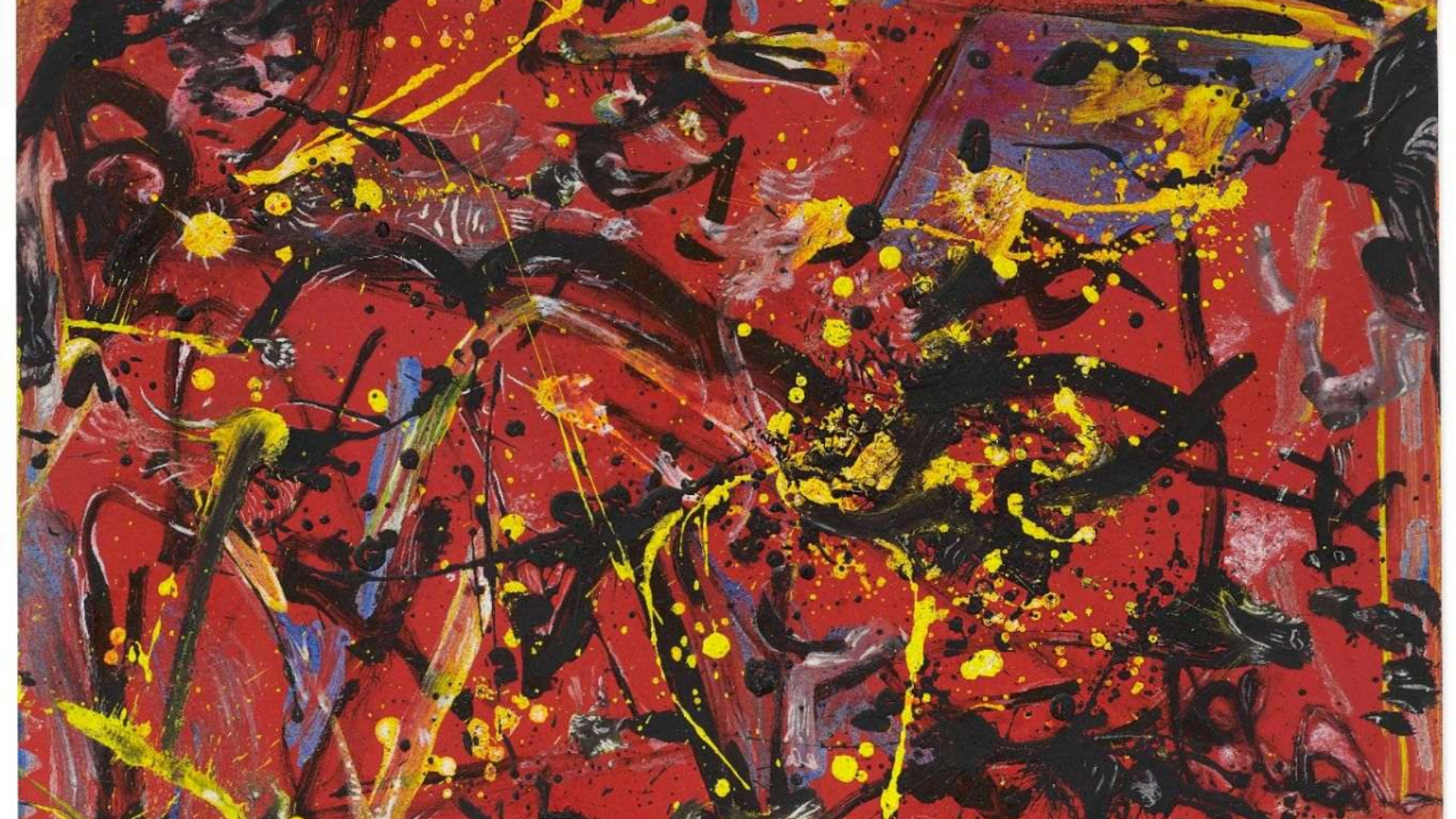
This is another aspect that I want to bring about in my final output. A visual output in an abstract expressionist form. The reason for this comes from Hock Aun Teh, ‘Expanding traditions’ **exhibit in GSA Exhibitions. There was a lot of expression and and energy that was captured in the paintings exhibited there. But the most interesting aspect of it were the titles and that was somehow what inspired me work in this direction. The titles were very specific phrases that evoked a certain emotion in the reader which was later mapped on to the painting that was displayed.
I thought that it would be interesting to create a generative algorithm that creates visual abstract expressionist outputs based on text input of the phrases.
Gestural interactions
The reason I feel that a gestural interaction would make sense is because the process of creating a abstract expressionist piece involves a lot of body movements and expressive actions. Therefore when a piece like this is created digitally the vastness and the scale of it is often lost. But if the same is done using full body expressive gestures and postures, then that could be a good way of retaining the philosophy and the expression of the art style.
Trying to create the Abstract Expressionist style in P5.Js
Most of abstract expressionists fell into either of 2 categories (1) Action Painting (2) Colour Field Painting. In this project I wanted to explore Action Painting because of its scope for movement and bodily medium of expression. The traditional ways of painting these involved artists laying a huge canvas in front of them or on the floor and almost ‘attacking’ the canvas. This would cause the paint to drip and follow other natural movements of liquidity. I essentially want to create a function for each of these natural behaviour of liquid paint and then base its movement on different parameters based on my input.
The drip effect
This is arguably one of the main features of abstract expressionism. This is also what led to Jackson Pollock being called Jack the dripper. To create this effect I followed this tutorial given below and made modifications of my own.
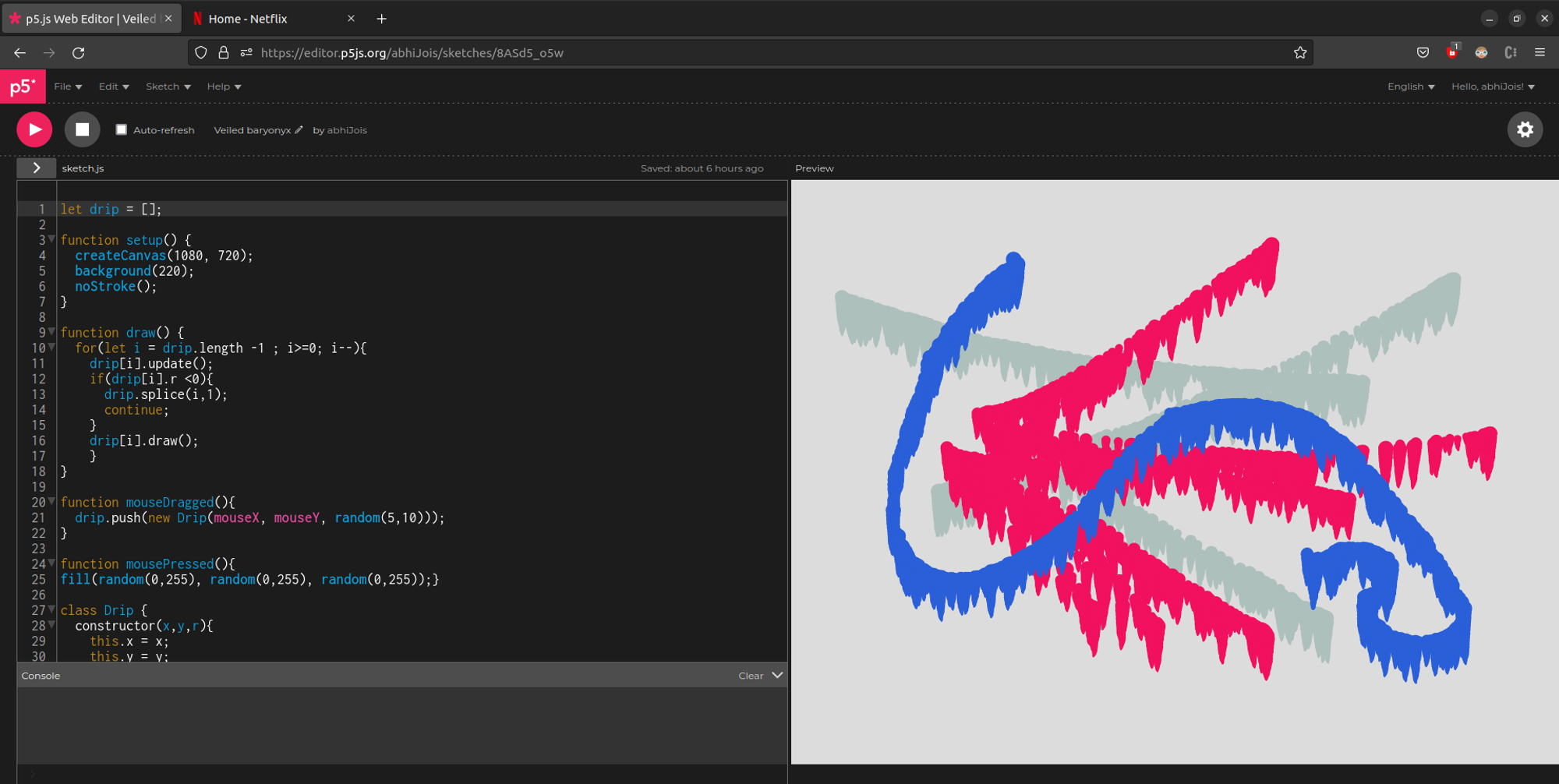
In this video basically we create a drip function that takes an initial position for a droplet based on the mouse pointer. Draws a circle at position x,y with radius r and then increments the value of x and y leading the droplet move downwards, and decrements the value of r until it goes to zero leading it to create the fade out effect.
The rewrote the code on my device to match my needs a bit better. The major modifications I did are: Originally the function was called at a mouse release, I changed it to being called at a mouse press and this way I could create strokes. The second thing I did was that I wrote a function to randomly change the colour at every new mouse click, this could be later linked to a different parameter based on my input.
Doing this exercise made me realise that more than the drip effect, it would be something like splash or a splatter would make it more true to the style. The nature of dripping that I created looks unnatural because the dripping does not follow uniform patterns throughout the stroke.
Pre existing Pollock sketches for processing
Upon continuing research, I was able to find existing opensource sketches which have a pollock style. But obviously, these are built to follow the mouse pointer. The interesting thing in these sketches are that they have functions like splatter(), drizzle() etc which makes my job a bit more easier.
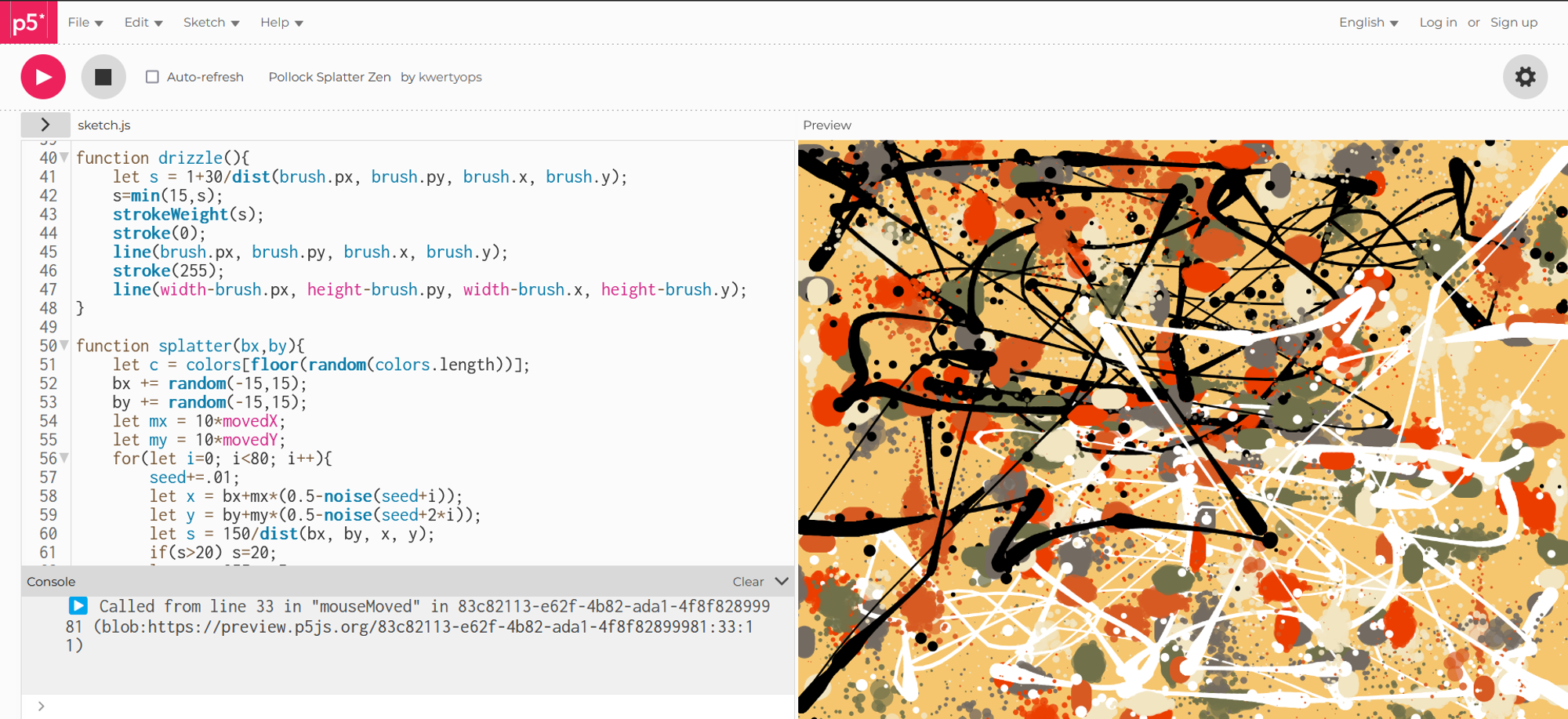
The above image is from a sketch made on p5.js. The code is a bit complex for me to understand but I want to understand how the two functions here ie splatter(bx, by) and drizzle are working and try and control them using gestures.
There was no documentations or video tutorials supporting this sketch. So I found another source where a programmer had used this sketch as inspiration to create an improved version on Processing using Python.
Going ahead I plan on creating or replicating these same functions in processing Java module as it has a better support of kinect and other deep vision libraries. In this process I would also make a few changes like adding more colours or randomizing a background colour on each clear or something of that sort.
Using a kinect to for body tracking
I had a conversation with my course professor Paul Maguire on applications of gestural interactions and different ways of doing it . From the conversations I understood that using a kinect would be the best way to go about it. I rented a Xbox 360 kinect from the interaction design studio, booted my laptop to windows and began working on it.
Processing + Kinect
The very first thing that I had to learn was how to communicate with the kinect using Processing. For that I did a bit of research and understood that there are mainly 2 libraries that are used to communicate with a kinect ie. Kinect4WinSDK OpenKinectForProcessing. Open processing had a few examples that helped with average point tracking, depth threshold etc but no example for skeleton mapping. This was better handled by Kinect4WinSDK. But the problem with this library was its lack of documentation. It was very difficult to understand how the library works and what are the features of it as there was only one example accessible.
Creating brushes in processing
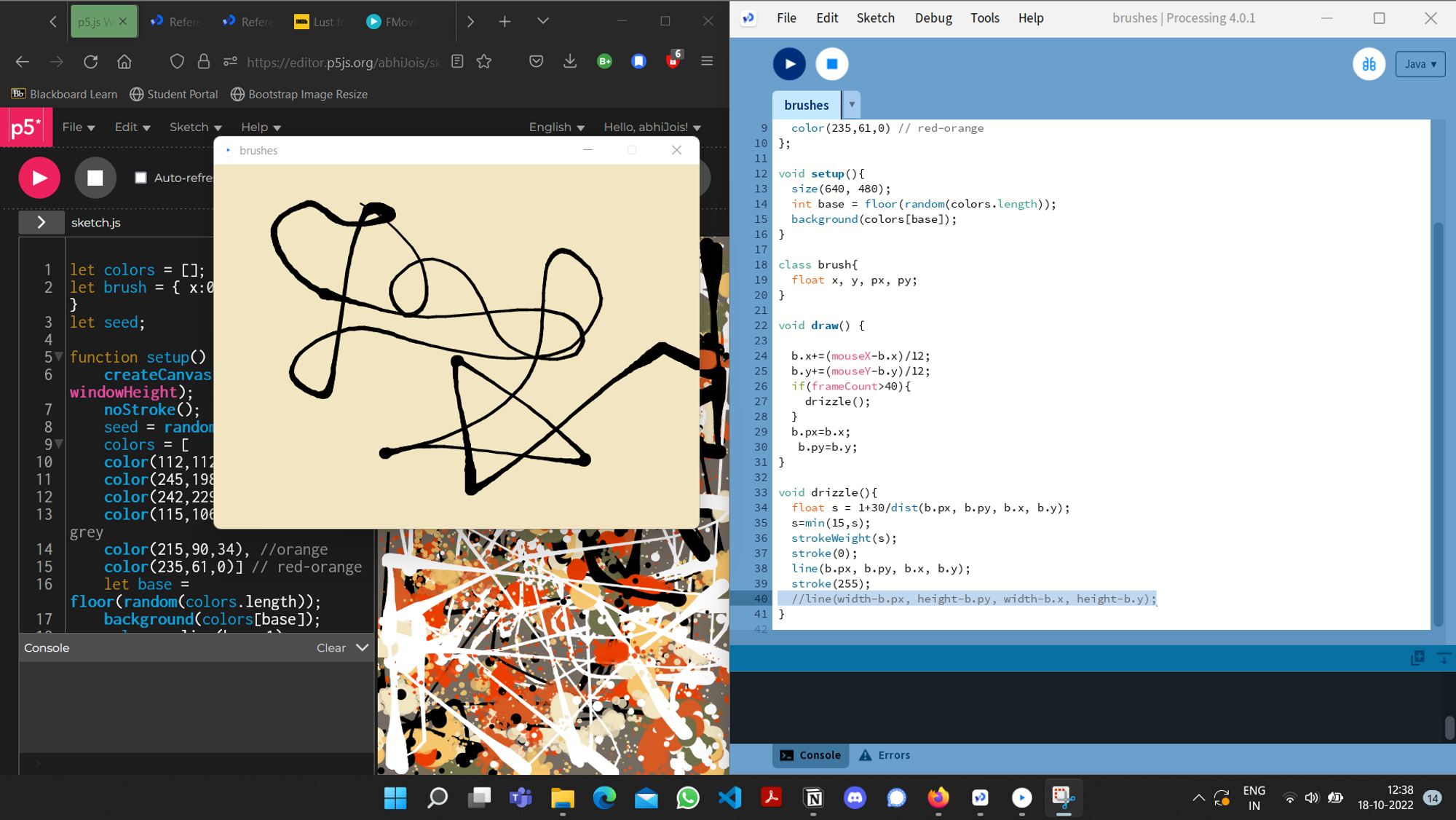
I liked the javascript code mentioned above and recreated the same brushes and functions in processing using Java. It was slightly a difficult tas becasueI had to newly understand OOP concepts of classes and objects in Java.
But after some research, youtube videos and reading different documentations, I was able to create an brush class and a brush object that follows the drizzle function
I initially did this in a different sketch in processing and then decided to link the two together.
Linking brushes to kinect
I was able to follow the structure of the example mentioned earlier, remove the things that I didn’t need and reduce it to the bare basics. I was able to get the Kinect camera detect and display a green skeleton on my body.
I then went on to trying and understand how to access the variable for the right wrist because that was the one I wanted to track in my project.
To implement this I modified the program to draw circles on my right wrist and the left wrist and ensure its tracking happens.
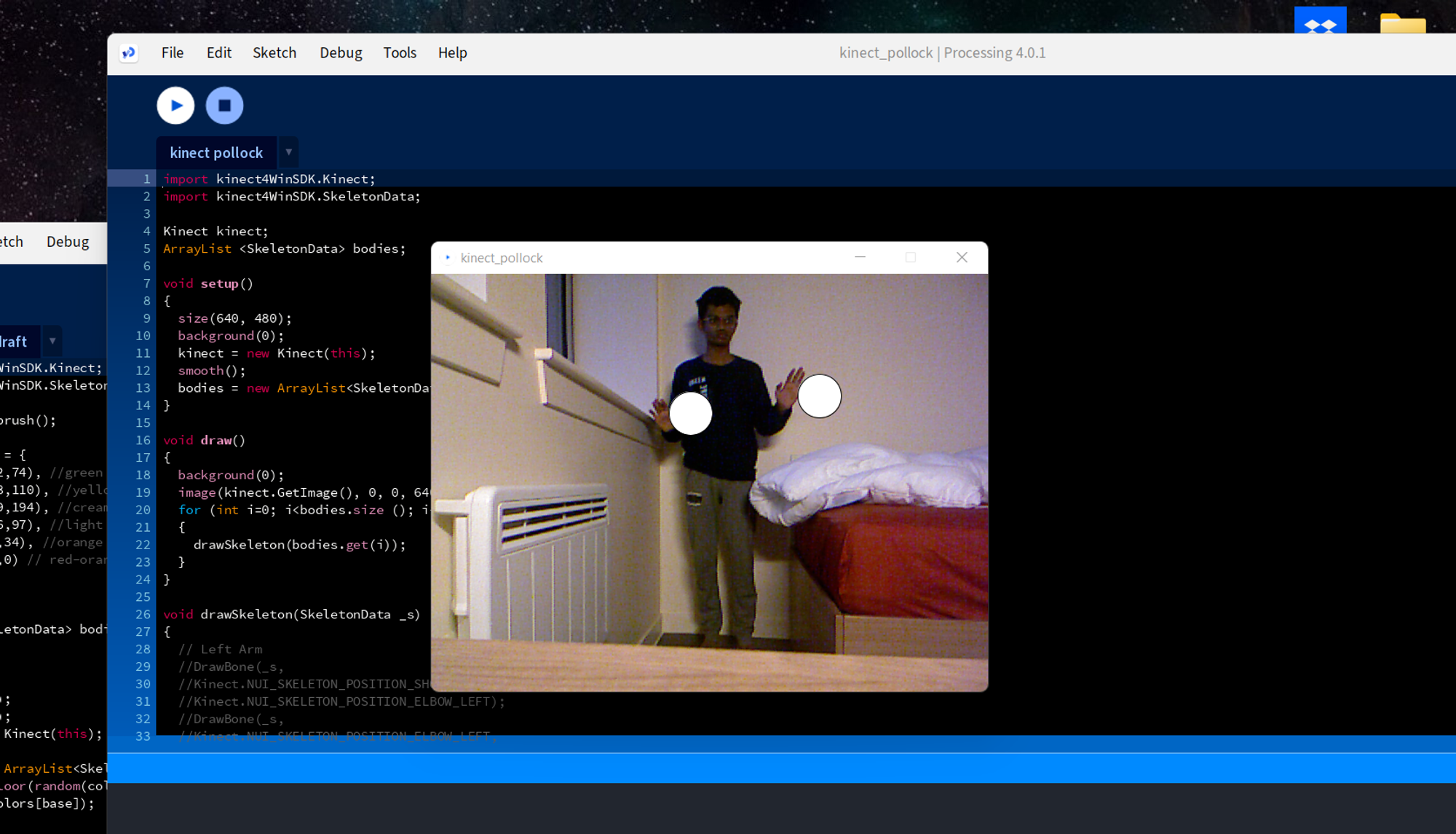
Doing this gave me an idea on how to isolate the wrists and access its x and y cordinates exactly to as on the screen.
Working
I was able to link the two sketches by creating drawBrushes function that uses the cordinates of the wrist detected and implemets the drizzle function from the previous sketch
States and event handling with timers
I created different states and events to handle differents parts of the experience
Waiting screen - No human in frame: This is the idle state of the program when there’s no body detected in the frame. There’s a fade in with the display of a message saying ‘’No humans detected”
Hand in frame - Interaction: This is the main function that performs the painting interaction. This state is carried out until the user moves out of the frame
Outro - Saving and repeating: Once the user moves out of the frame, the project is saved, the screen fades out to black and goes back to the starting state
Reflection
I was able to do all that I imagined and a bit more as well with this project. This was the my first time with processing and it was a interesting to explore a language that is more static when compared to python and JavaScript. The usage of state handlers and timer functions is a useful skill of have in processing and that was something I learnt in this project. Probably in the upcoming projects I would like experiment with more tangible and physical outcomes.
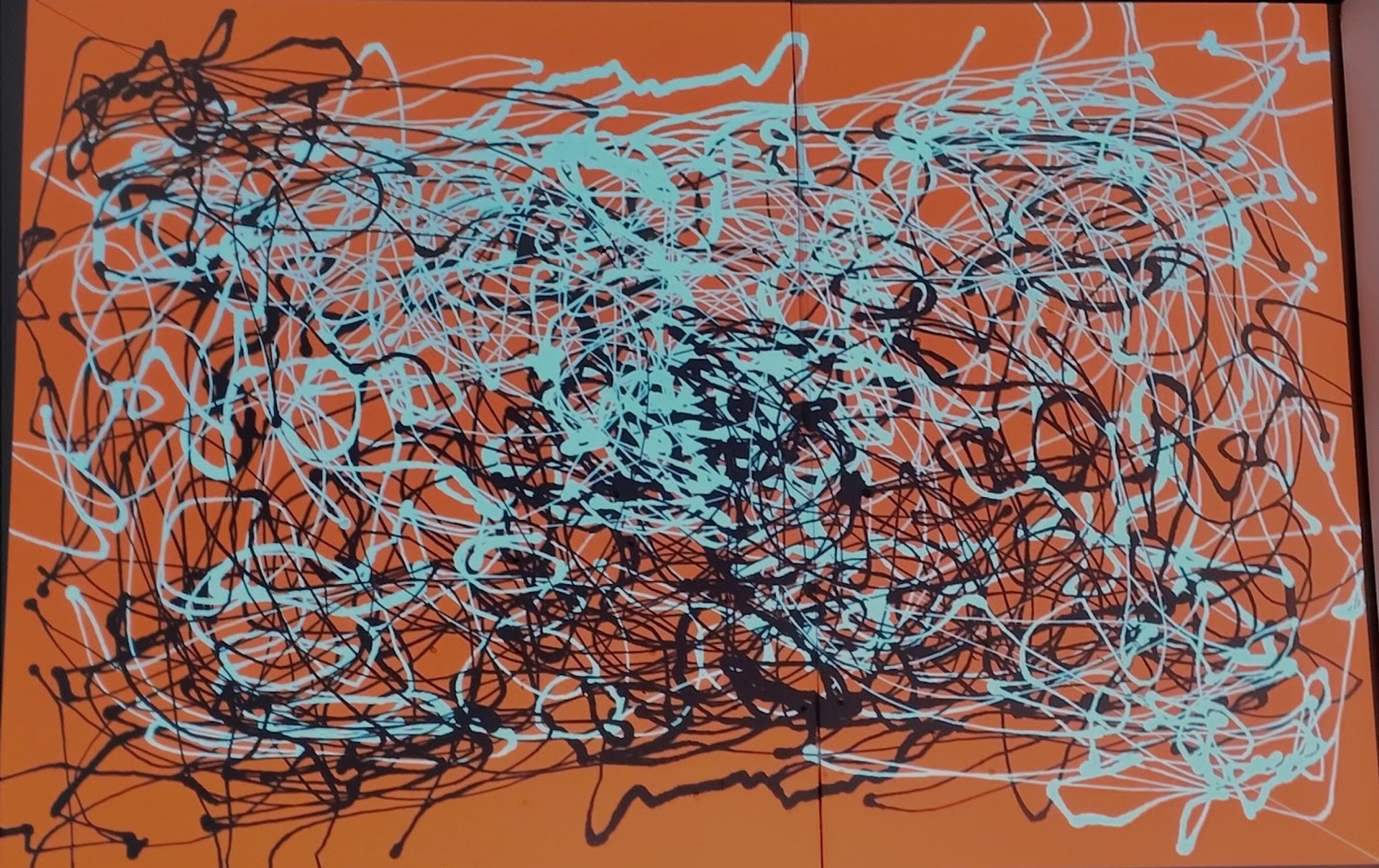
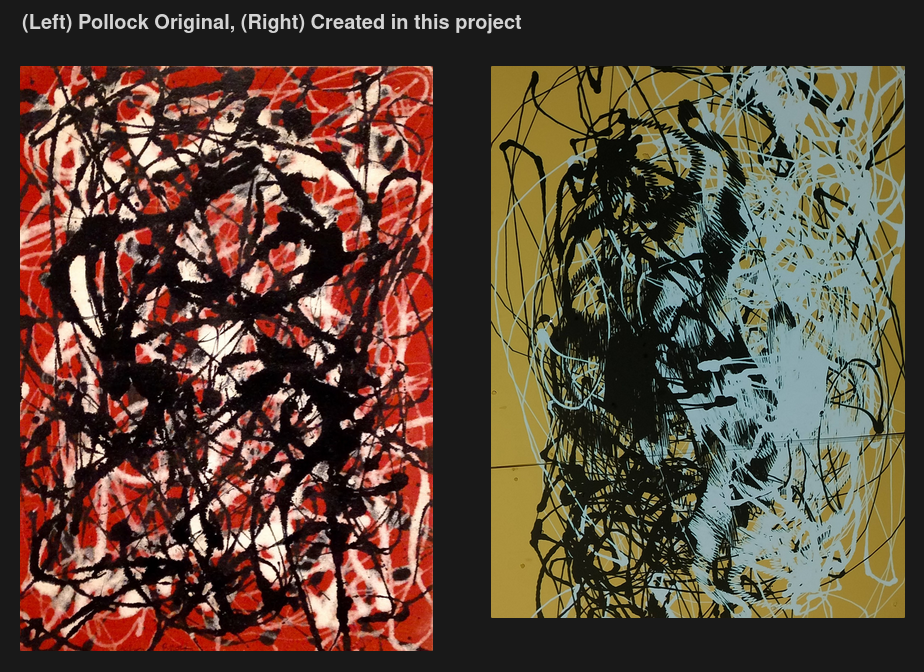
Some final images